Pack specs
Move-In Ready — 30 Lightroom Presets for Real Estate Photography | Staged Interior & Listing Photos | Bright Neutral Home Staging
What's included
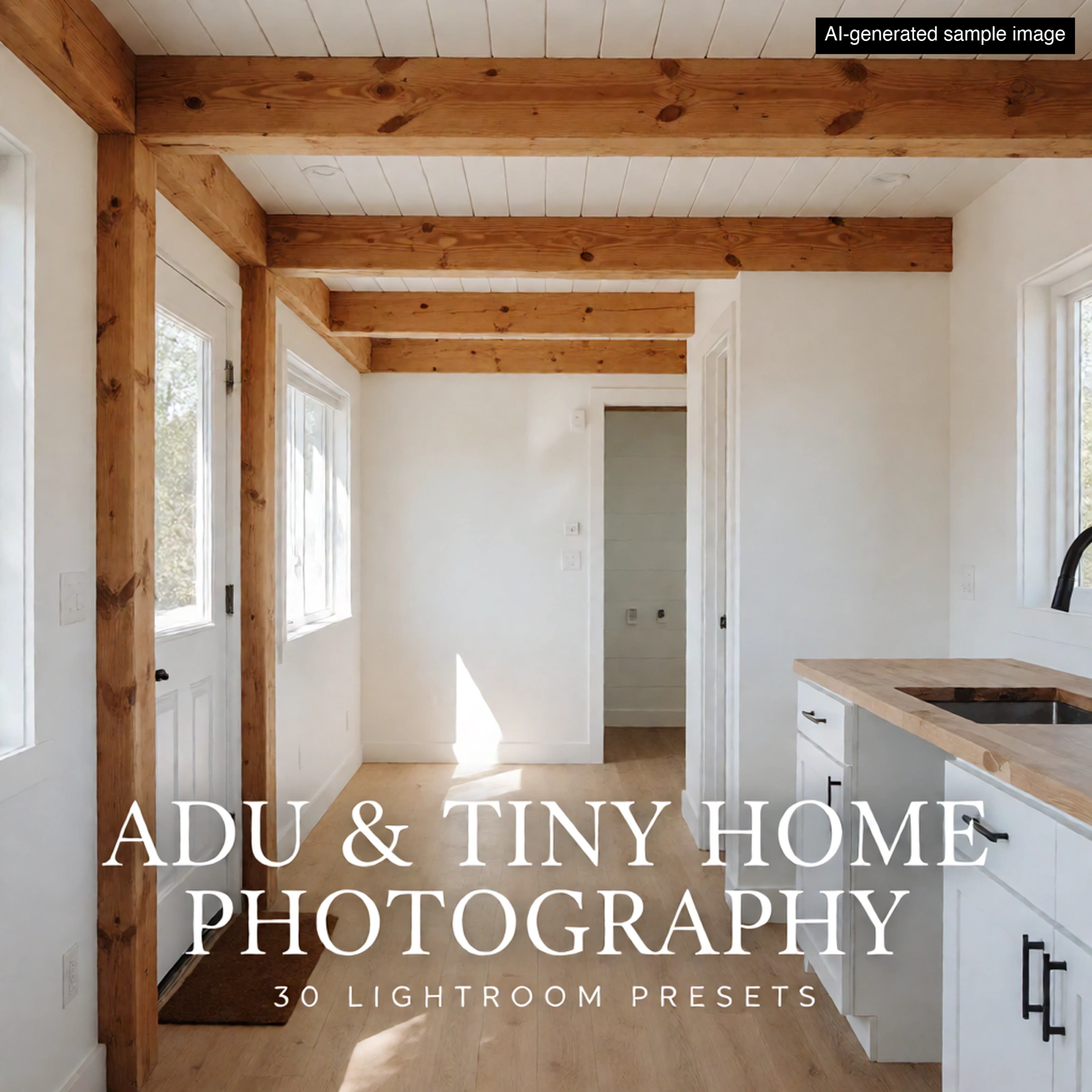
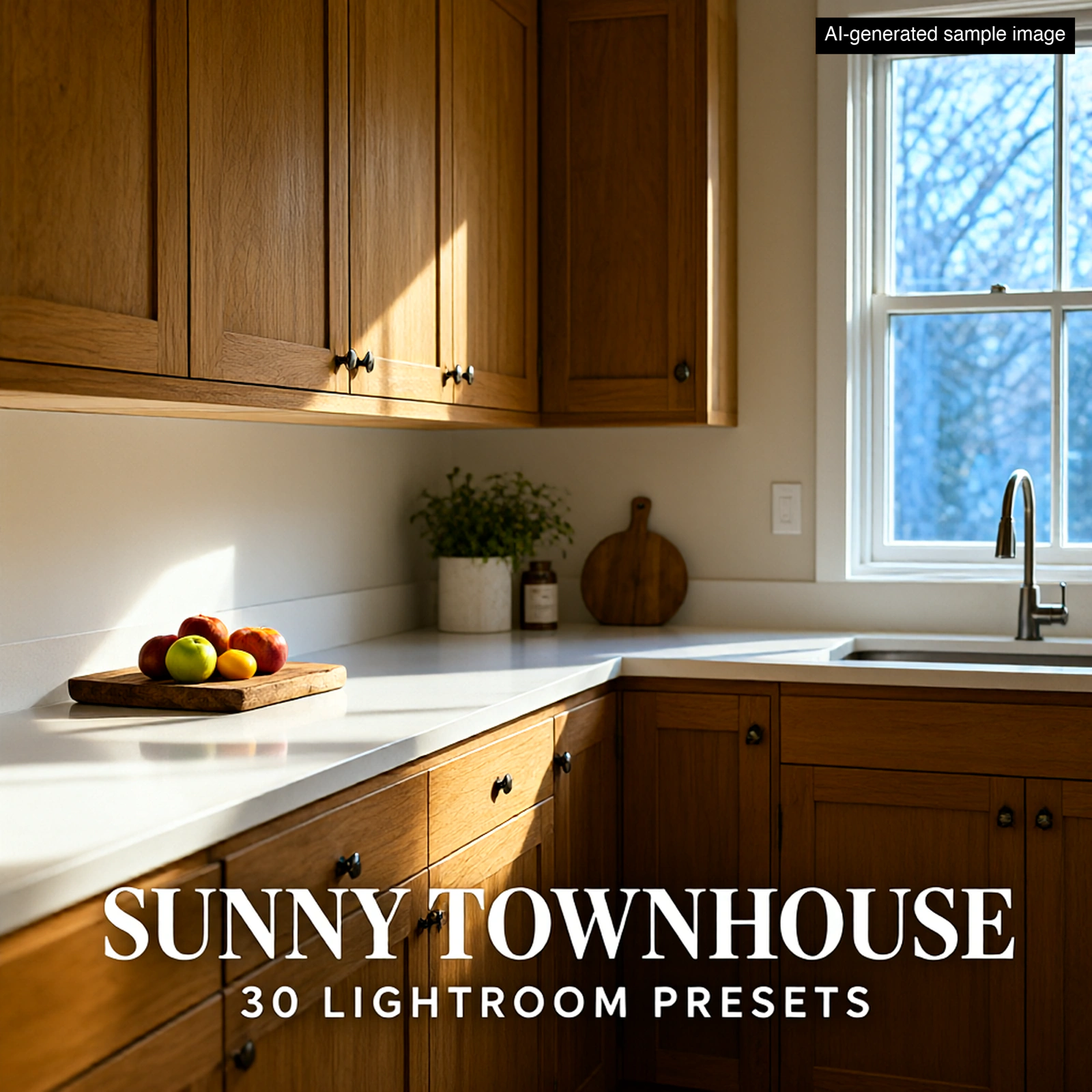
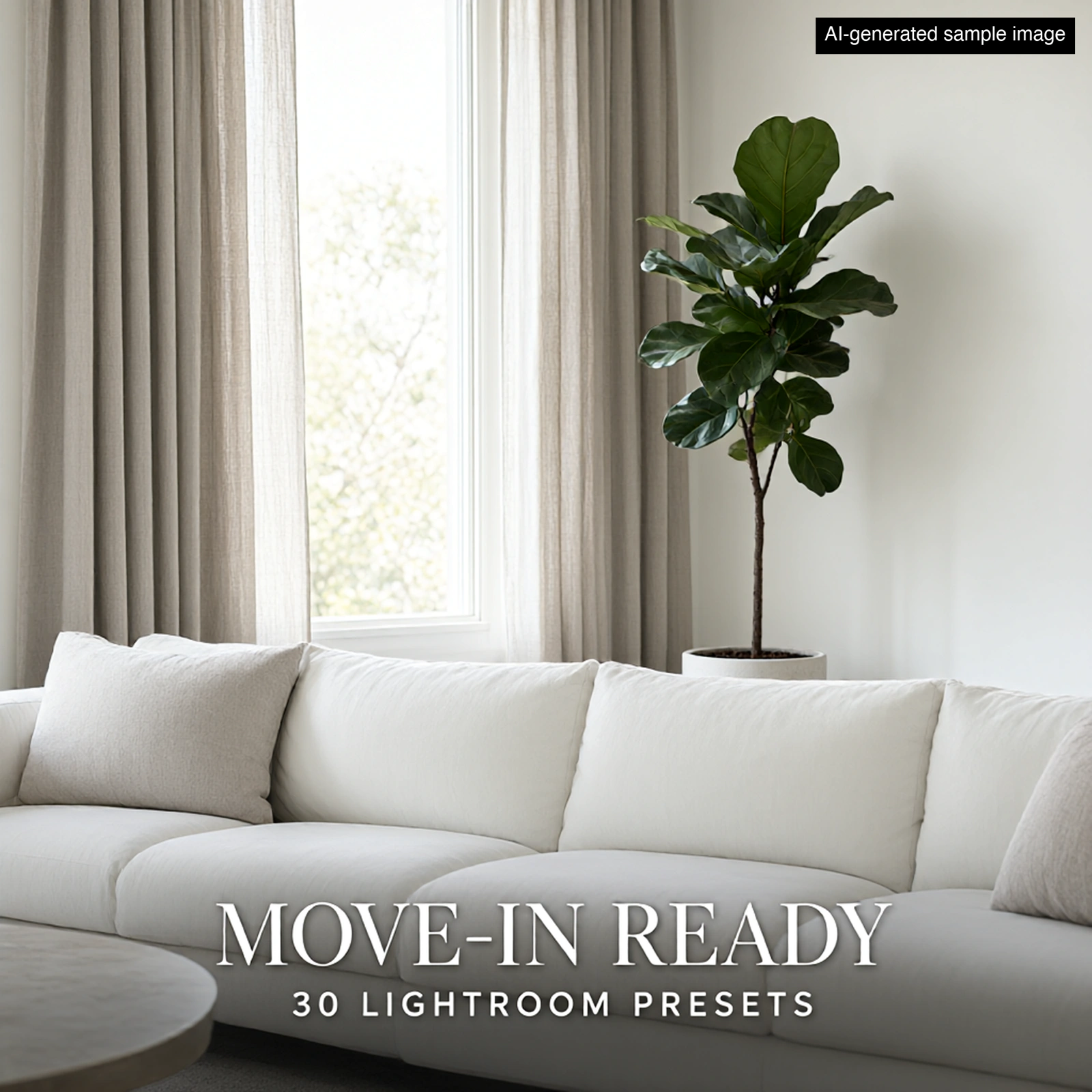
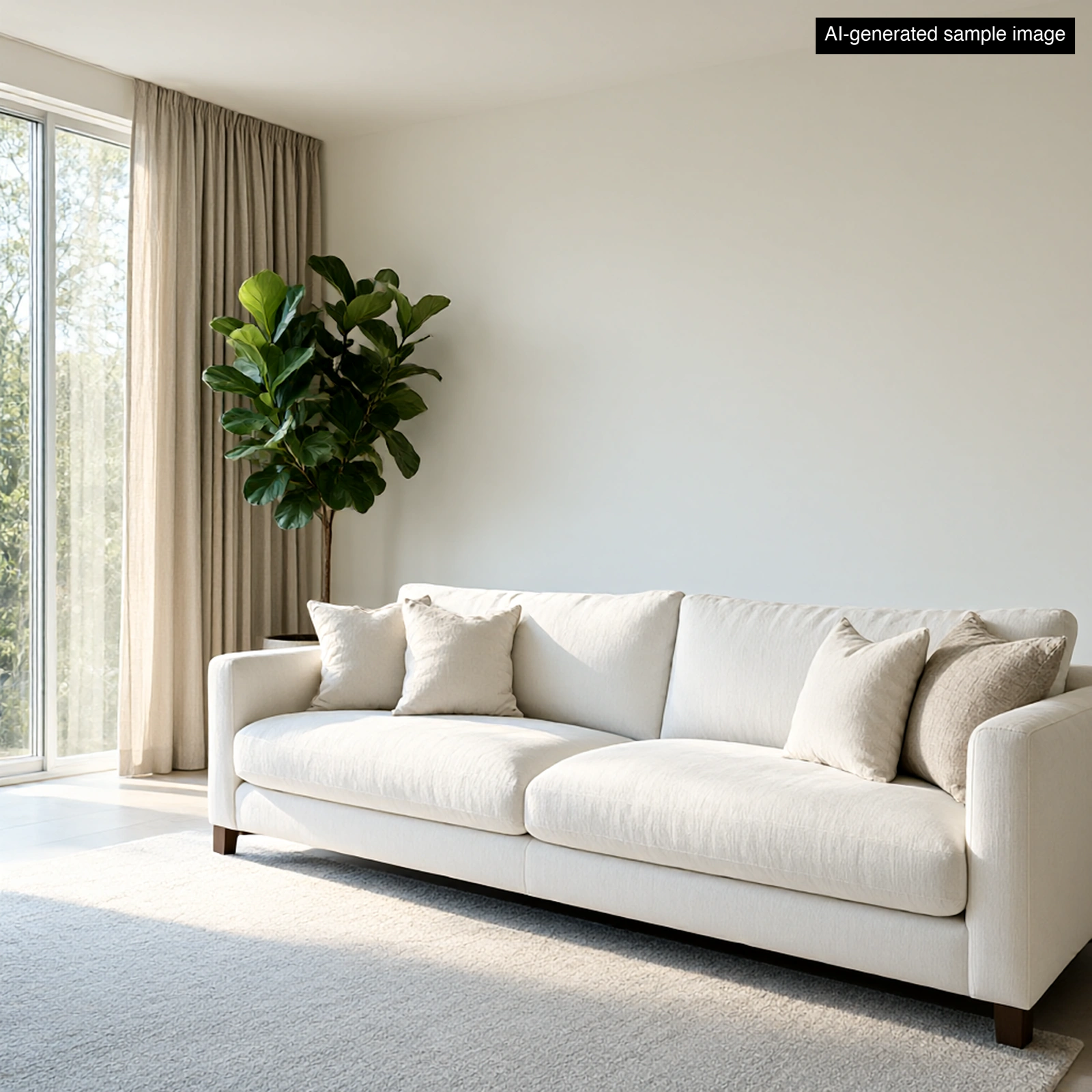
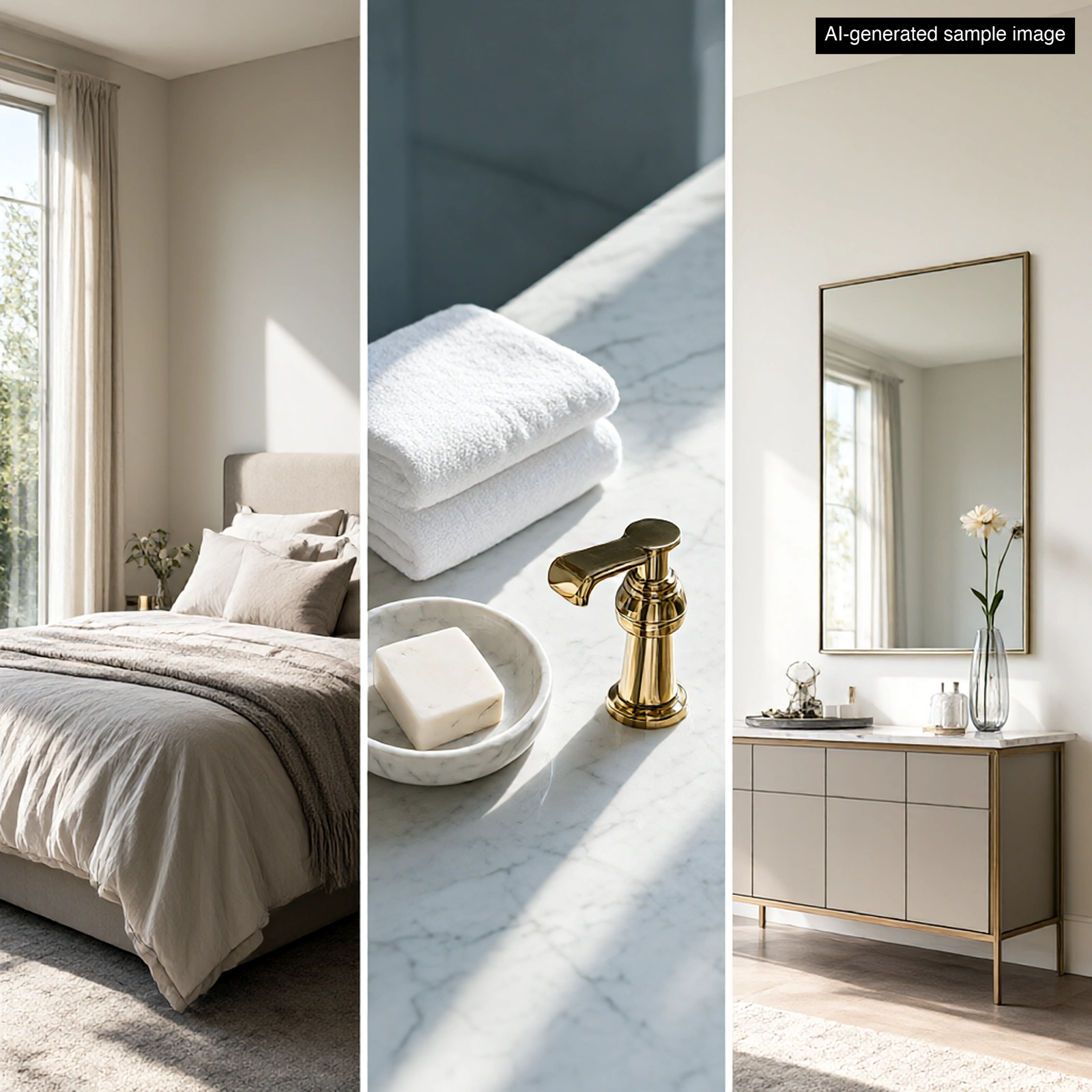
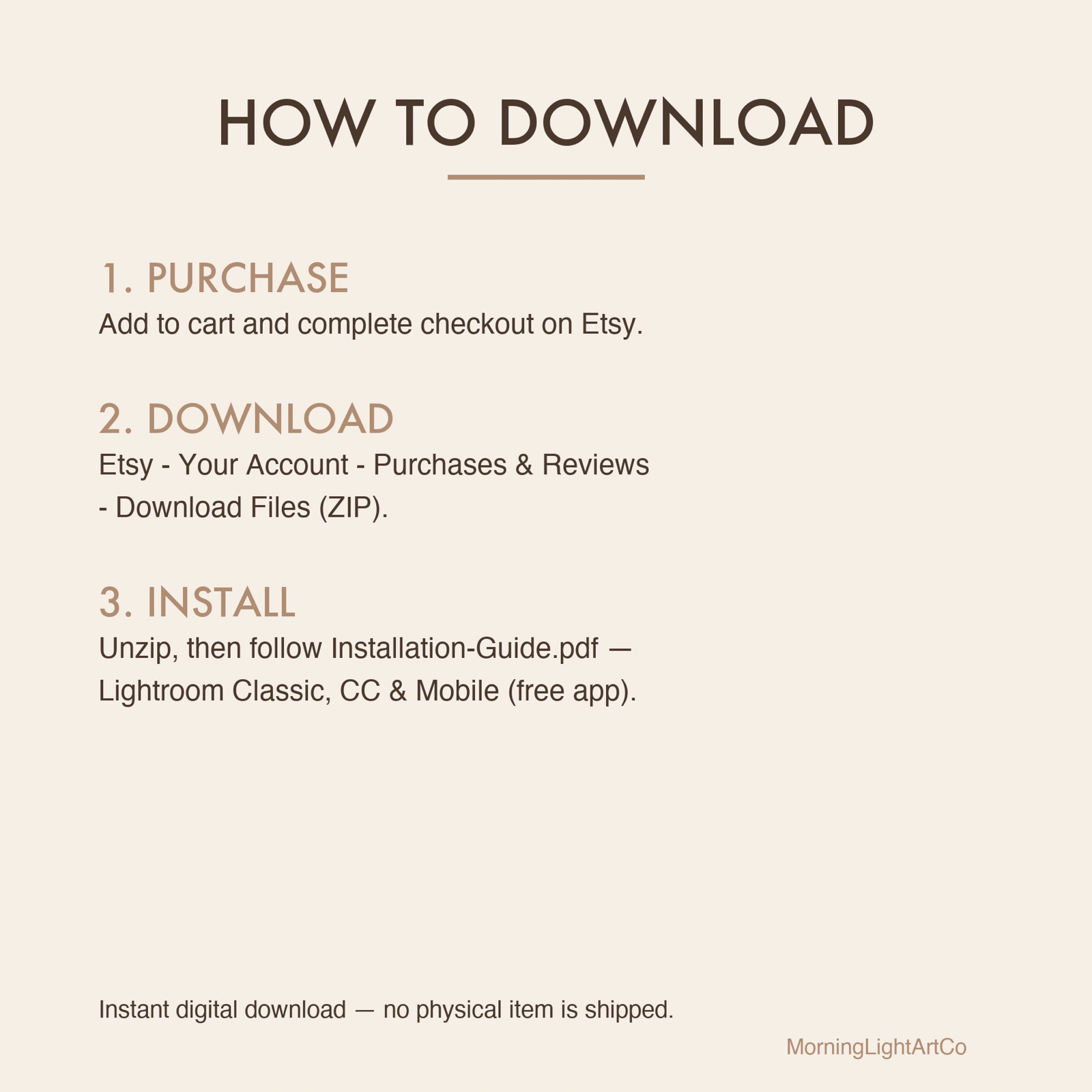
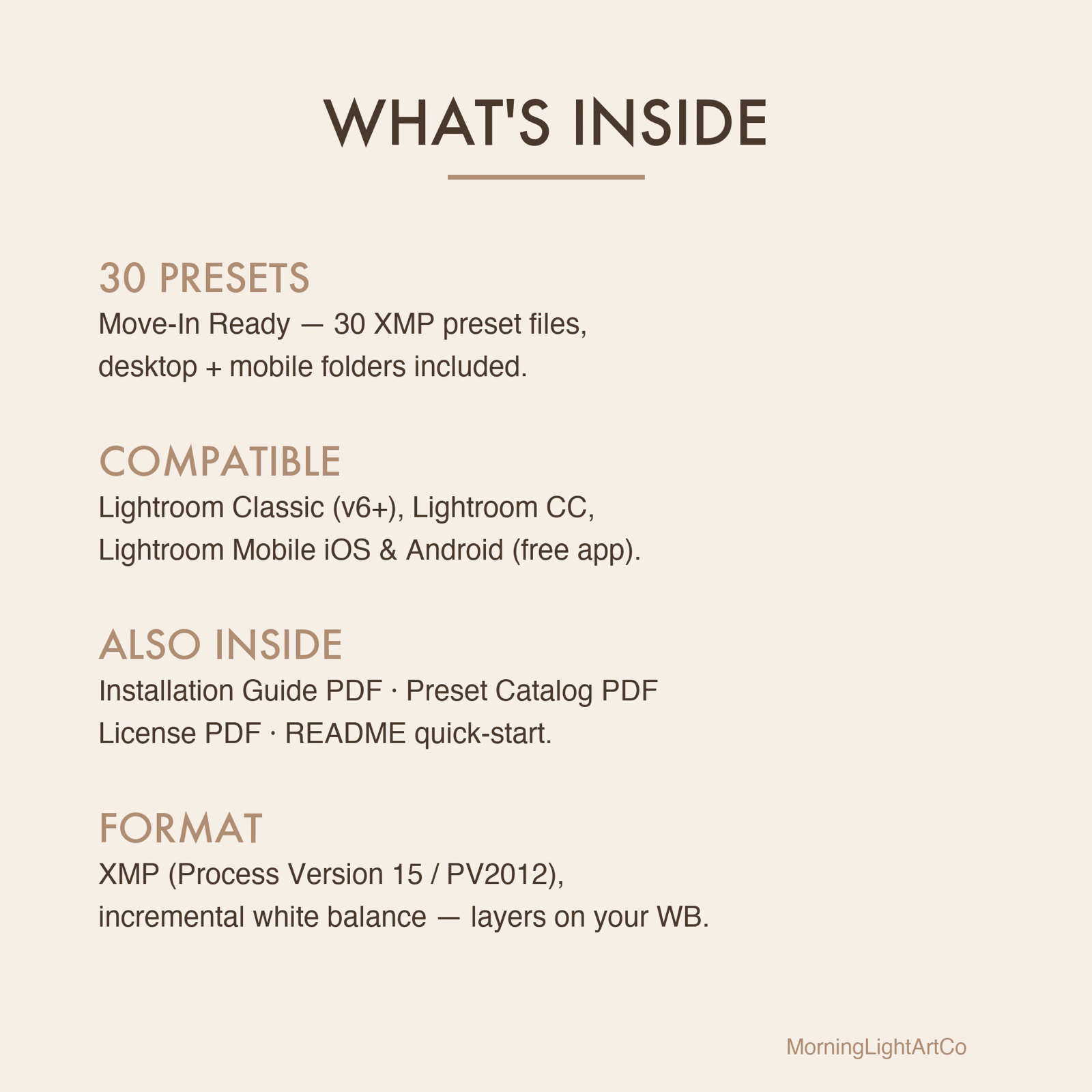
This 30-preset pack is built for professional home stagers and listing photographers who need every property photo to look like a fresh showroom — crisp white walls, bright neutral interiors, and that move-in-ready polish that turns viewers into buyers. Five carefully tuned families cover morning staging, evening open-house glow, flat-lay amenity shots, lifestyle portraits, and outdoor curb appeal, all grounded on the same calibrated base for consistent color across an entire listing. HOW THIS PACK WAS MADE (AI DISCLOSURE) This pack was made with the help of AI tools: the preset settings were developed with AI assistance, and the sample photos in this listing are AI-generated images that illustrate the look. They are not before/after edits of real photos, and your results will depend on your own photos, camera and lighting. WHAT'S INCLUDED • 30 XMP preset files — works in Lightroom Classic, CC, and Mobile (free app!) • Mobile-ready presets folder for easy phone import • Installation Guide PDF (step-by-step for Classic, CC, and Mobile) • Preset Catalog PDF — browse all 30 looks at a glance • Personal Use License PDF • README quick-start guide COMPATIBLE WITH ✓ Adobe Lightroom Classic (v6 / CC 2015 and newer) ✓ Adobe Lightroom CC Desktop ✓ Adobe Lightroom Mobile — iOS & Android (free and paid) HOW TO INSTALL Desktop: File → Import Profiles & Presets → select the XMP files → Done Mobile: Open XMP file in Lightroom app → tap "..." → Create Preset LICENSE Personal use + client commercial photography. You may NOT resell, redistribute, or share the preset files themselves. See included License PDF for full terms. FAQ Q: Will this work on the free Lightroom mobile app? A: Yes — Lightroom mobile is free and fully supports XMP presets. Q: Can I use these on photos I deliver to clients? A: Yes — client photography deliverables are covered under the personal use license. Q: Do I need a Creative Cloud subscription? A: No — Lightroom mobile is free. Lightroom Classic and CC require an Adobe subscription. Q: What if a preset doesn't look right on my photo? A: The white balance settings are incremental (they layer on top of your existing WB), so results will vary by camera and lighting. Adjust Exposure ±0.3 to dial in the look. Q: Do you offer refunds on digital products? A: Due to the digital nature of this product, all sales are final. If you have trouble installing, message us and we'll walk you through it.
Made with AI tools: these presets were developed with AI assistance, and the sample images on this page are AI-generated illustrations of the look — not customer photos. Each pack is checked by us before it is listed.